

Playback
Open the file. Don’t wait for a transcode.
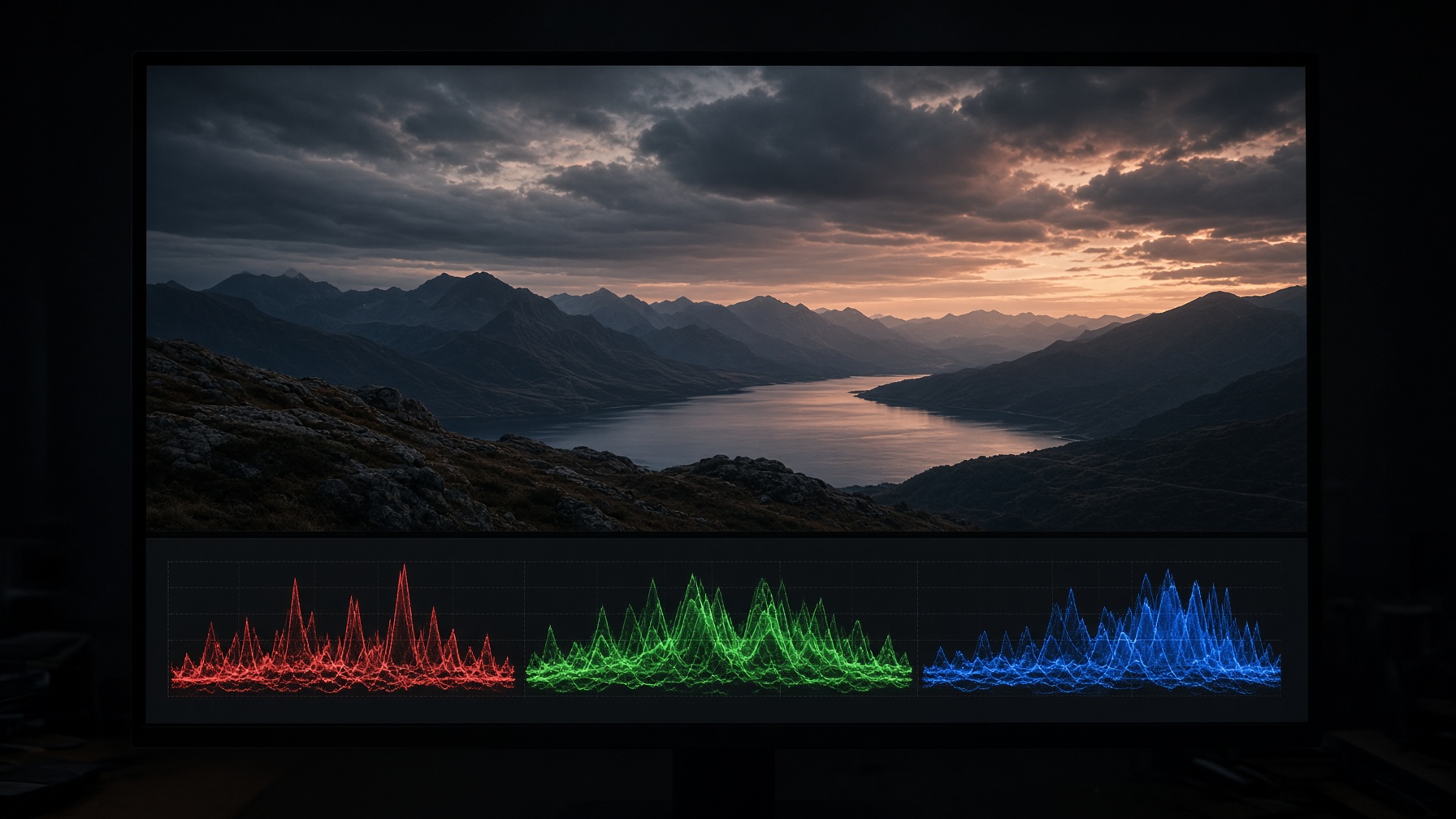
Belgrave plays from disk. ProRes, DNxHR, H.264, a still off the camera, a PDF on the server. Review can start before anything is uploaded.

Belgrave Archive · Windows app
Belgrave is a Windows app for video, documents and stills. Leave a note on the frame or the page. When the work is ready, send a share.
Desktop software
Product
Belgrave is an application you install on Windows. Playback, colour and local disks work like the rest of the suite — not like a tab.
Playback
Belgrave plays from disk. ProRes, DNxHR, H.264, a still off the camera, a PDF on the server. Review can start before anything is uploaded.
Review
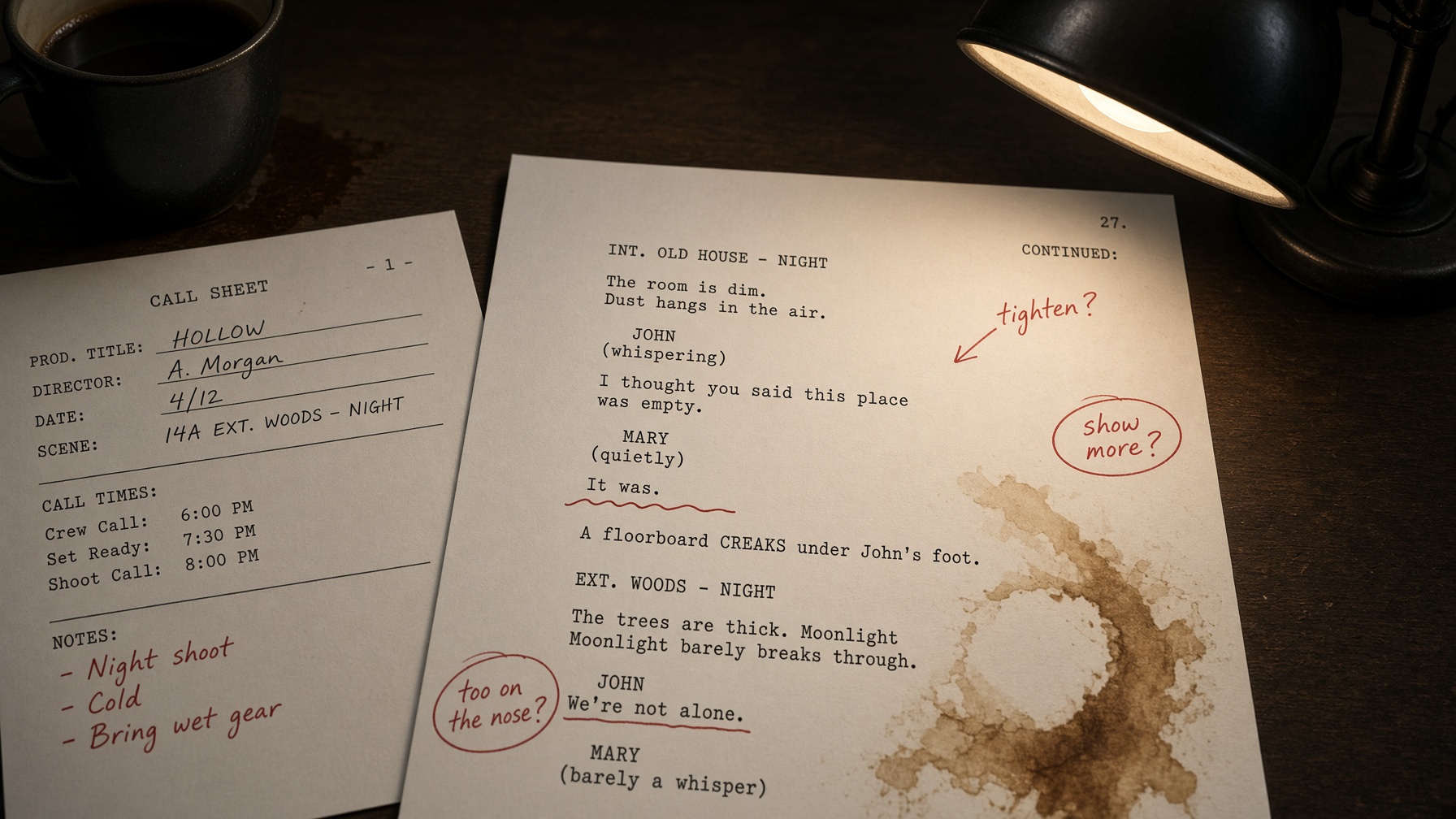
A comment at 01:14:07:12. A redline on page 12 of the script. Both live with the version they belong to, not in a chat thread.
Documents
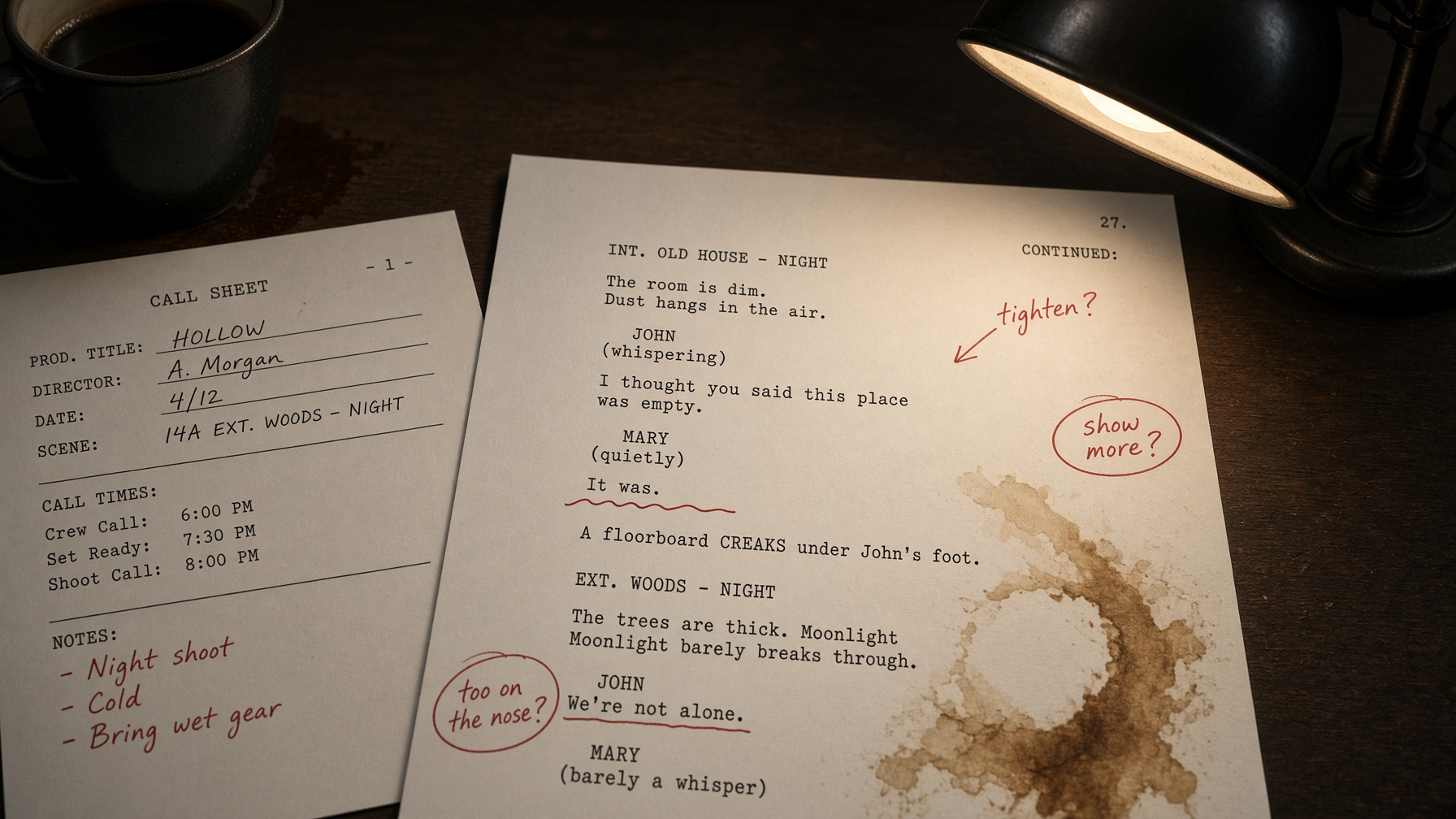
PDFs, scripts, cue sheets and stills sit in the same project as the timeline. If it has a frame rate or a page number, it belongs here.
Shares
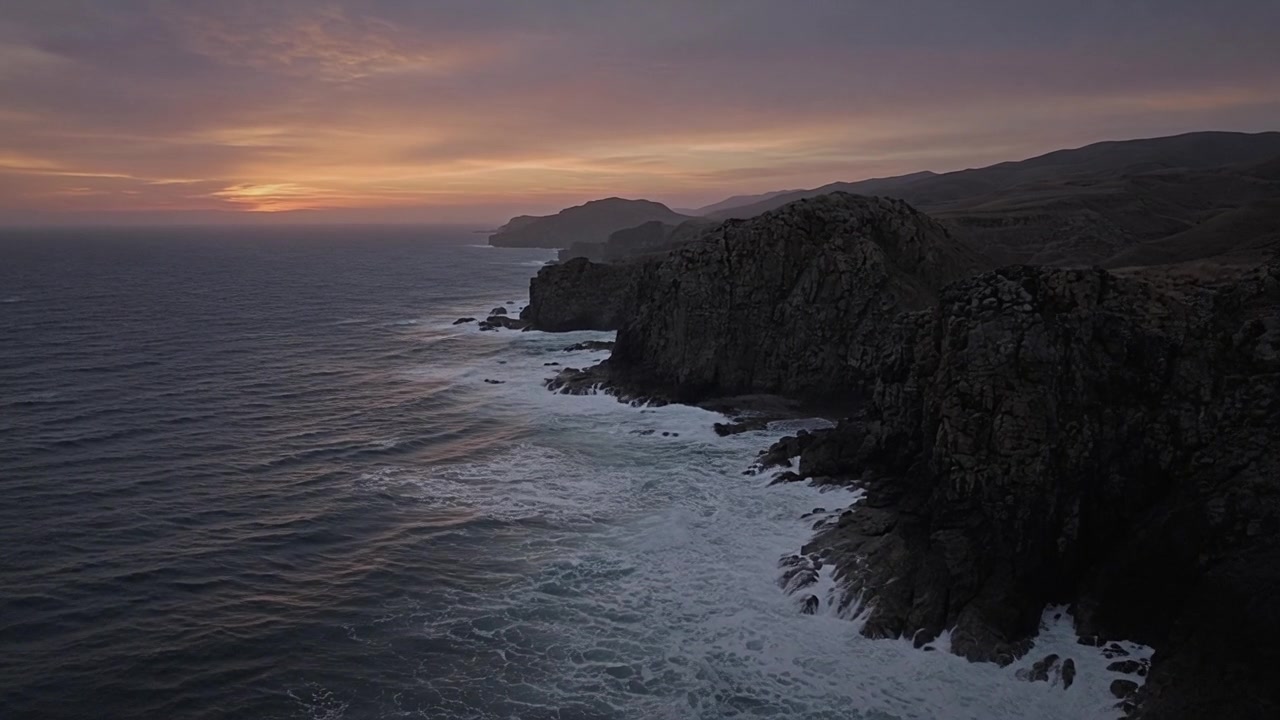
Your still, your type, your rules: watermark, downloads, an expiry. The other person opens it in Belgrave.
Frame-accurate review
Play, mark the frame, keep going. The director, the colourist and legal see the same playhead. Resolve the note on the version it belongs to.
Documents
A redline on page 3 of the pink revision sits in the same project as the picture lock. Call sheets, cue lists and legal PDFs live here too.
Open a shooting scriptWindows application
Open media from a RAID, a SAN or the laptop. Playback does not wait on an upload.
The Windows app uses the machine you already grade on. Scrubbing should feel like an NLE, not a tab.
Mark the frame on a plane. Notes sync when you are back on the network.
Questions
The Windows installer is 64-bit, for Windows 10 (21H2 or later) and Windows 11. You can also open a browser preview of the Northwind project to see review before you install.